

 Facebook
 Twitter
 LinkedIn

Fully Integrated With Gmail
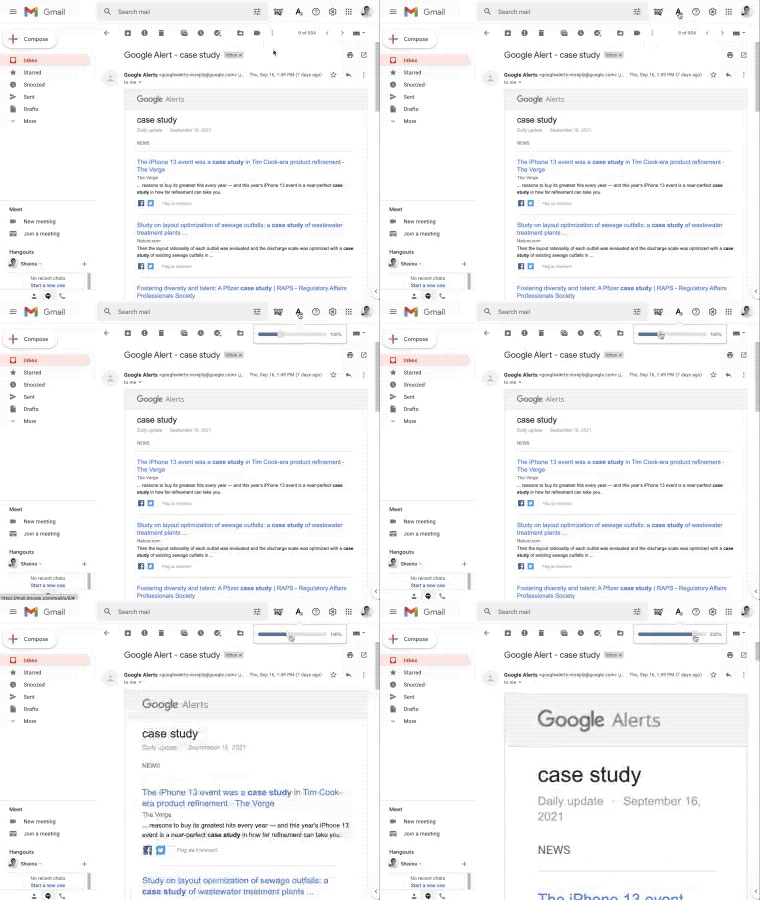
Email Zoom Text Reader is fully integrated with your Gmail inbox. You don’t have to download anything to your hard drive. Everything works directly within Gmail. The Email Zoom Text Reader works with both vertical and horizontal reading panel.
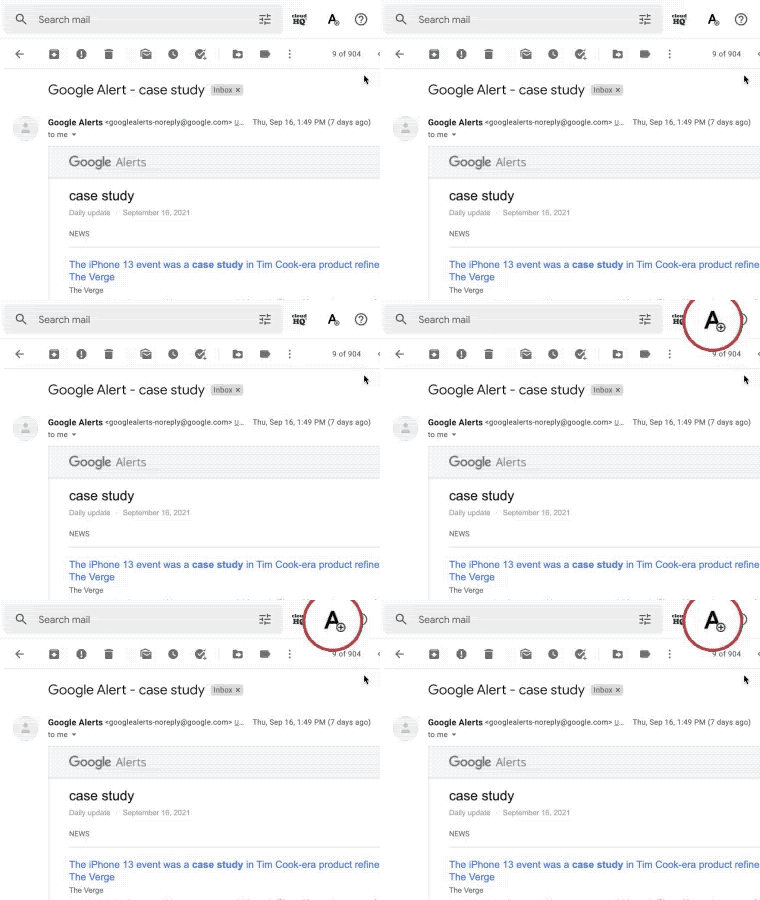
One-Click Accessibility for Low Vision
Whenever you need to enlarge your email text, just click on the “A” icon for vision accessibility.
Zoom In or Zoom Out Text Reader
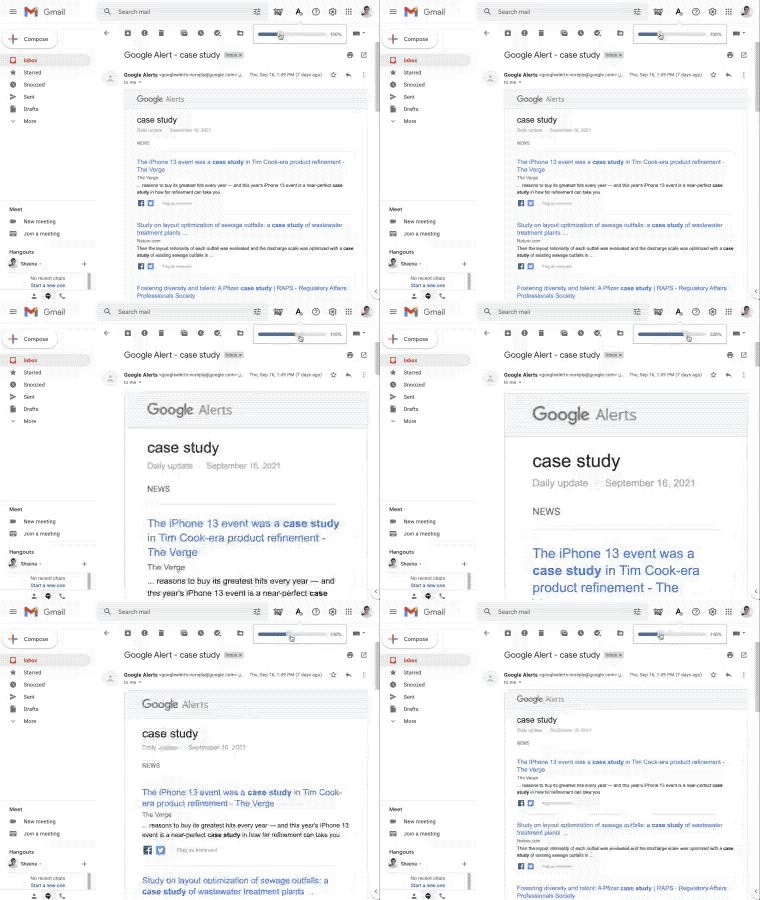
You can easily zoom in or zoom out on a sliding scale. Adjust the slider to the magnification level you want. The extension will:
- Resize (zoom) text of Gmail message
- Resize (zoom) subject of the Gmail email message
- Images will not be resized
- Control buttons and menus will not be resized
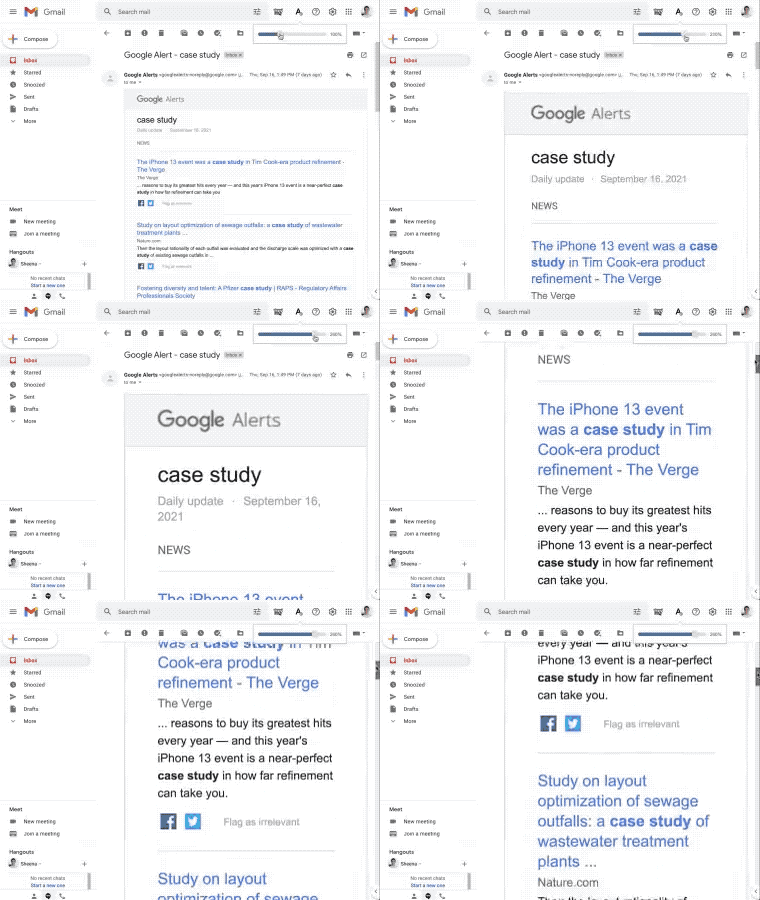
Scroll Vertically, Not Horizontally
A big problem with screen magnifying applications is that you need to scroll side-to-side because the entire screen is magnified, not just your email. This unnecessary scrolling wastes time and interrupts your workflow.
Change gmail text size in seconds
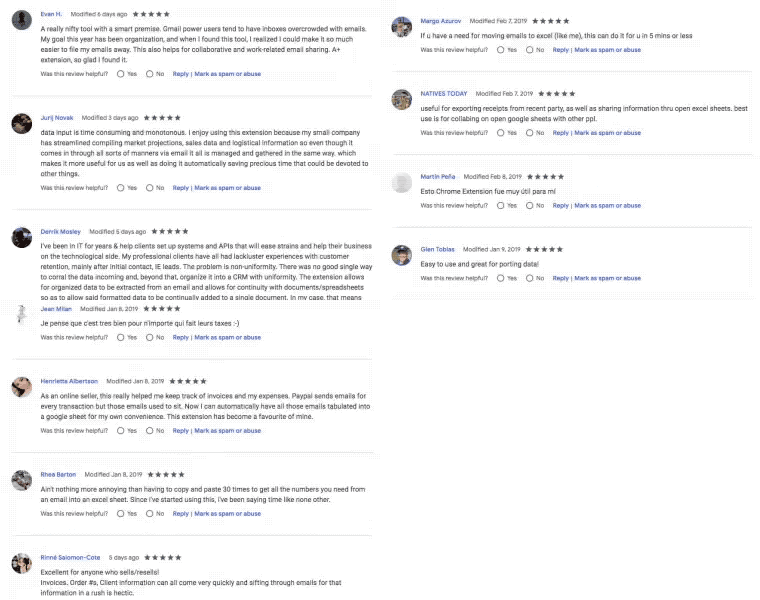
Near Universal 5-Star Ratings
Email Zoom Text Reader has almost universal 5-Star ratings from users who’ve downloaded it in Chrome.
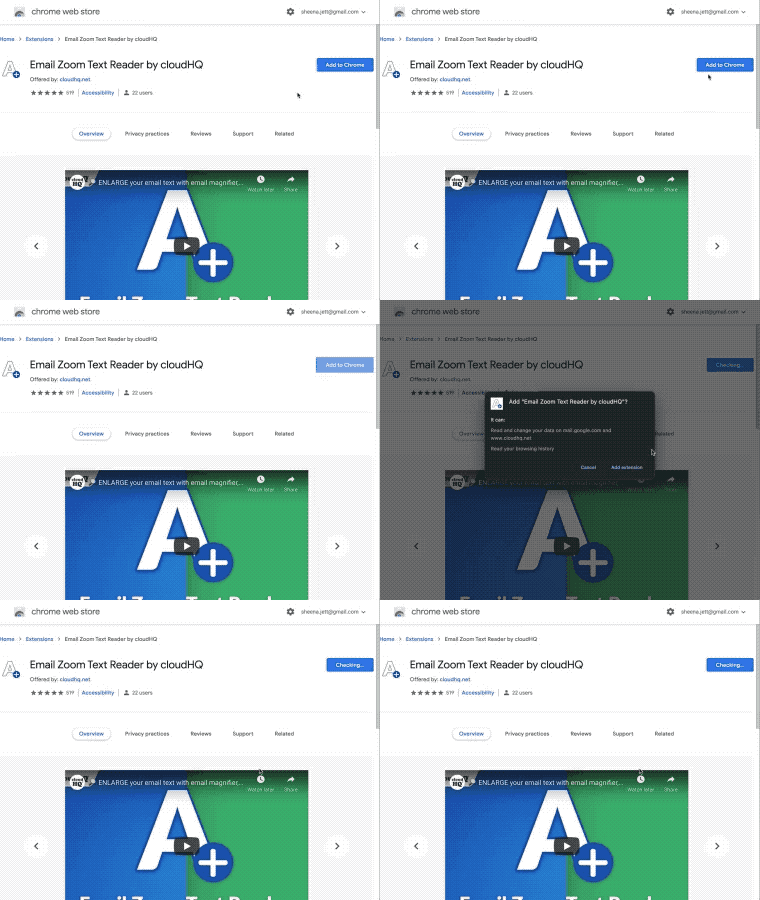
Installs in Seconds
Install Email Zoom Text Reader from the Chrome Web Store. Once installed, the tool will be seamlessly integrated into your Gmail or G Suite email account.